How to book calls from WhatsApp without the back-and-forth
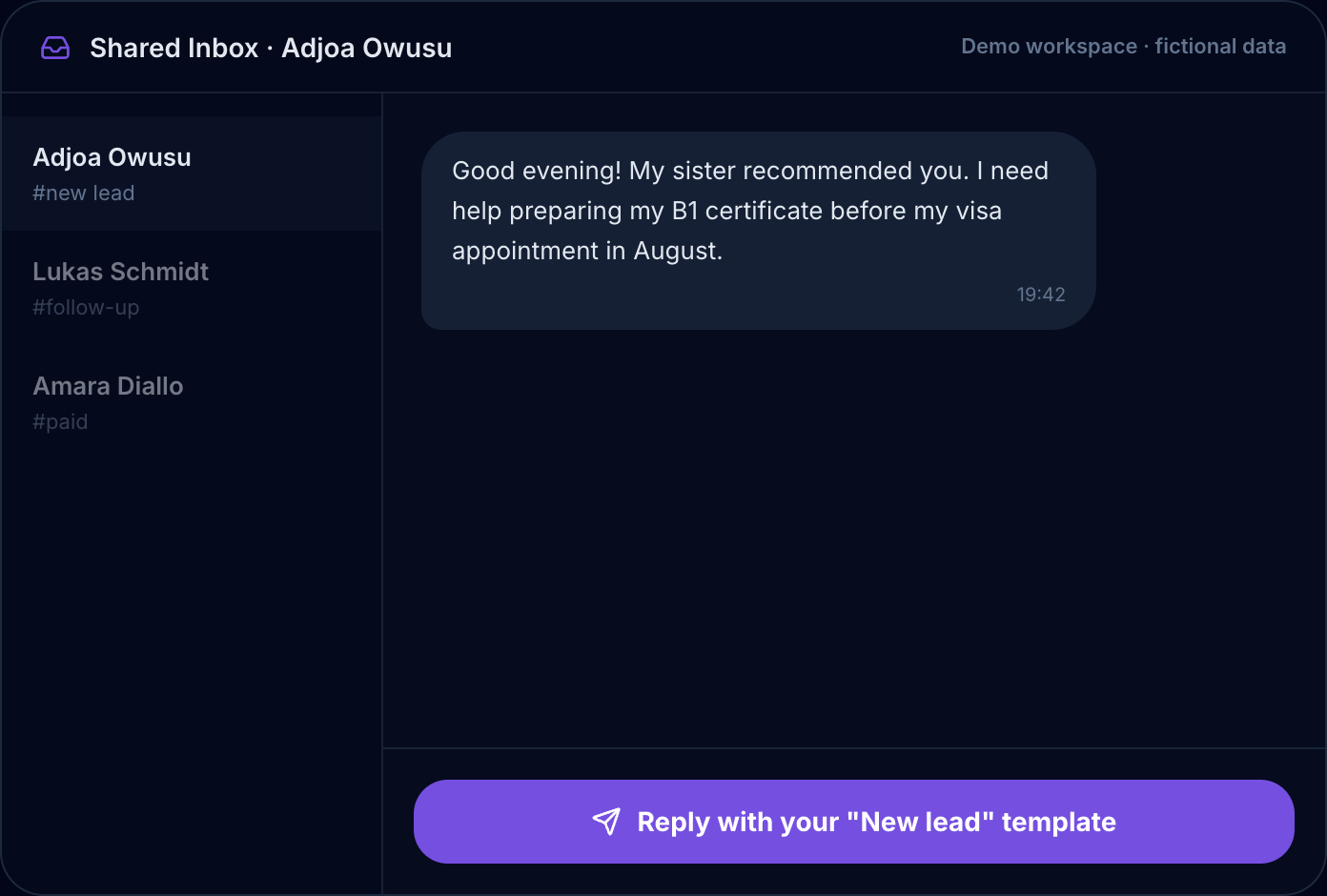
Someone messages asking about your coaching program. You reply with your booking link. They screenshot it, open their browser, navigate to the page, pick a slot. Three minutes later, a confirmation email lands in their inbox — but by then they have moved on to something else. Or the link expired. Or they could not find a slot that worked and did not follow up.
That sequence has a name: scheduling friction. And for coaches, consultants, and creators who run their client work through WhatsApp, it is costing bookings you do not know you are losing.
The problem with sending a scheduling link
A booking link is a redirect. The moment a client taps it, they leave the conversation that created the intention to book in the first place. That is a break in momentum that a surprisingly high number of people do not recover from.
It is not that your calendar is empty or your offer is wrong. It is that the transition — from WhatsApp to browser to booking page — introduces just enough friction to make "I'll do it later" a reasonable decision. Later, as a rule, does not happen.
There is also the back-and-forth version: you send a link, they come back saying they could not find a time that works, you suggest three options, they ask if Friday mornings are ever free, you check, reply, they disappear for four hours. A five-minute conversation stretches into a two-day thread. You still do not have a confirmed booking.
Both versions are the same problem: the booking step is not where the conversation is.
What "booking inside WhatsApp" actually means
The WhatsApp Business API supports native interactive messages — tappable buttons and list pickers that open right inside a chat, with no external URL. Booking built on them works like this: a client asks to schedule a call, a list of your open time slots appears inside the conversation, they tap the one that works, and confirm. They never leave WhatsApp. The confirmation lands in the same thread.
This is not a workaround. It is how the official API is designed to work — these interactive messages exist precisely for in-conversation actions like this, and they are available to any business using the WhatsApp Business Cloud API.
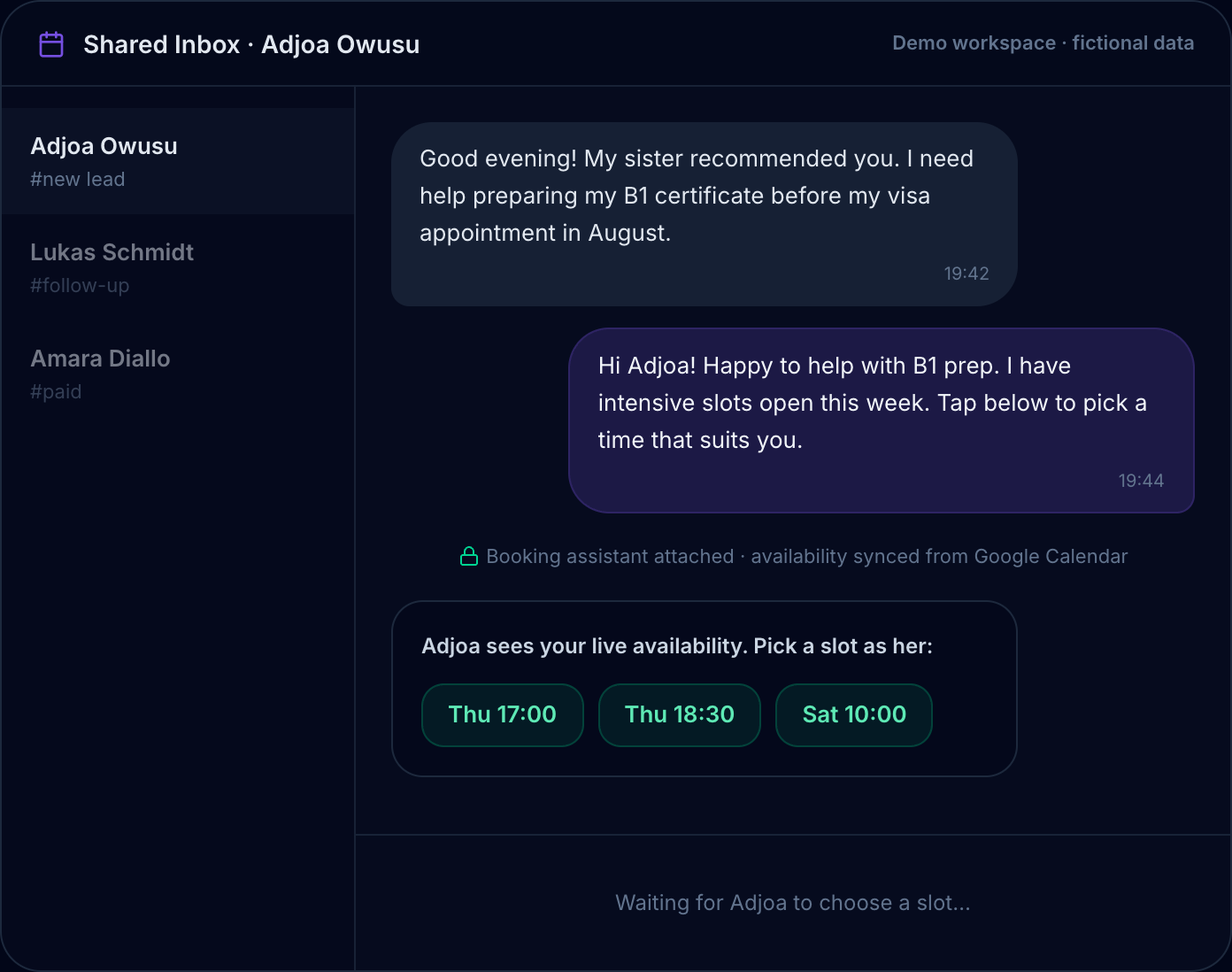
Your live availability, synced from Google Calendar and offered as tappable slots right in the chat. (Demo workspace with sample data.)
The result is a booking experience that feels like the rest of WhatsApp: immediate, contained, no app to download, no account to create on a website they have never visited before.
How the Chatydesk booking flow works
Chatydesk connects to your Google Calendar. When a client asks to book, Chatydesk reads your live availability and surfaces your open slots as a tappable list inside the WhatsApp conversation. Your client sees your actual open times, taps one, and gets a confirmation — without leaving the chat.
The practical details:
No double-bookings. Your Google Calendar stays the source of truth, and Chatydesk re-checks the slot at the moment of confirmation. If a time fills while a client is deciding, it will not get booked twice.
Automated reminders. After booking, the client gets a WhatsApp confirmation immediately, plus reminders before the session. These go out automatically — no extra setup, no extra tools.
Payment in the same thread. If you collect a deposit or full payment upfront, a Stripe checkout button goes out in the same WhatsApp conversation. The booking and the payment happen together. No separate invoice, no chasing.
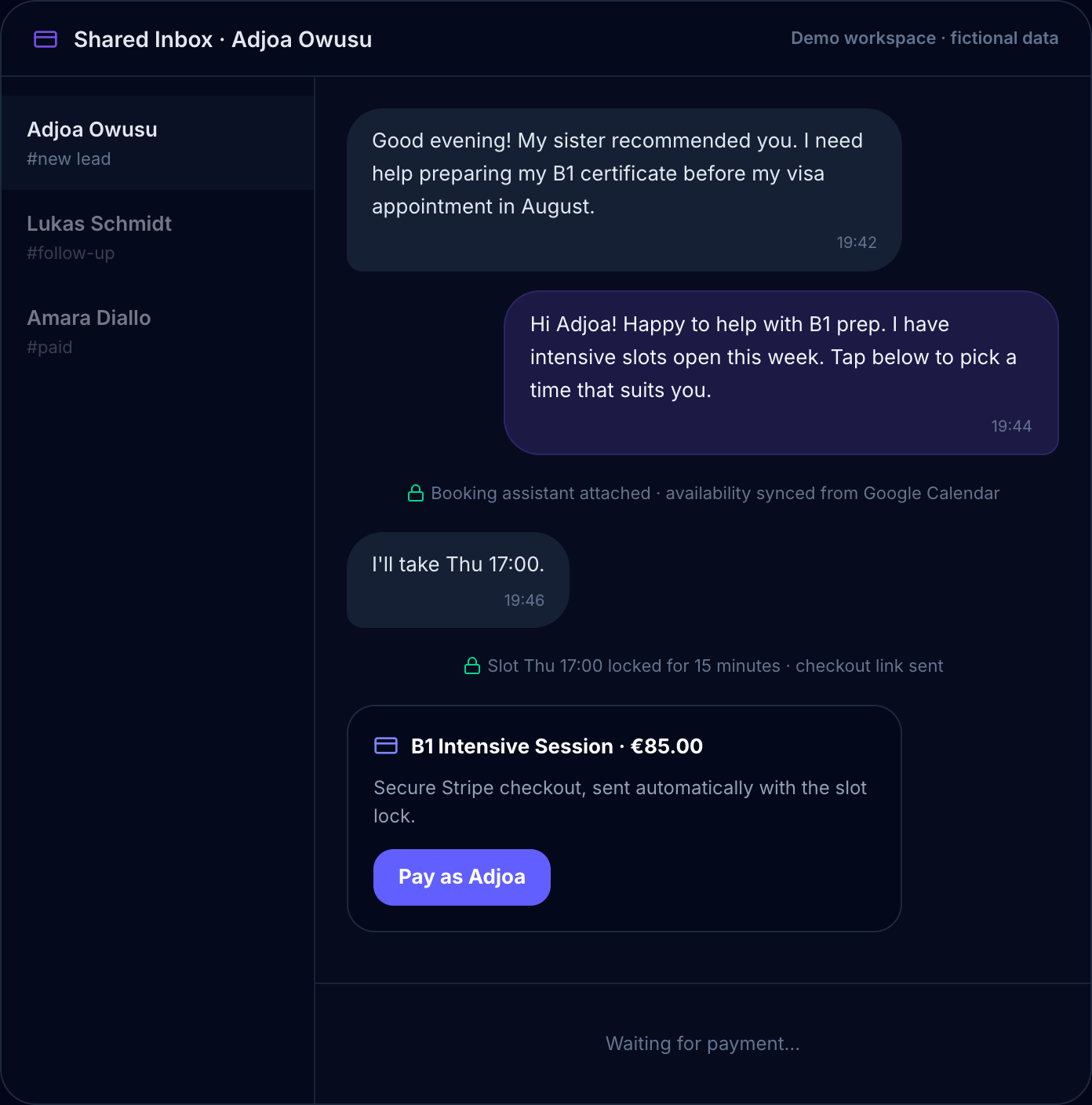
Pick a slot and it locks; the Stripe checkout arrives in the same thread. Paid means booked. (Demo workspace with sample data.)
One inbox. The booking, the conversation history, the payment record — everything is logged in your Chatydesk dashboard. You are not opening your calendar to check who booked, Stripe to check who paid, and WhatsApp to check what was said.
What the flow looks like before and after
Before Chatydesk: Client messages → you send a booking link → they leave WhatsApp → they book (or don't) → confirmation goes to their email → you follow up separately in WhatsApp → payment happens somewhere else → you reconcile manually.
With Chatydesk: Client messages → your open slots appear in the chat → they tap one → booked, confirmed, reminder scheduled, payment collected → done. Everything in one thread.
The steps that used to fall through the cracks — the people who opened the link and closed it, the follow-ups you forgot to send, the confirmations that landed in spam — those steps are gone.
Why this matters for coaches and creators specifically
If your business runs on 1:1 calls — discovery sessions, coaching programs, strategy calls — every missed booking has a direct revenue cost. A coach who converts one additional discovery call per week does not need to change anything about their offer or their content. They need to reduce the friction between "I'm interested" and "I'm booked."
WhatsApp is where your clients already are. The booking experience should be too.
The broader point about scheduling friction
Scheduling friction is not a small annoyance. It is a measurable drop-off point in a sales process that most coaches never track because it happens invisibly — you simply never hear back from people who found it slightly too difficult to book. They do not tell you they stopped. They just stop.
Moving booking inside WhatsApp removes the redirect, removes the back-and-forth, and removes the two-day scheduling thread. A client who intends to book and completes the booking in the same conversation is a client who actually shows up.
Try it and see the difference
The 14-day free trial on Chatydesk includes the full booking flow. If you run your client calls off WhatsApp, setup takes about ten minutes.
You already have the clients messaging you. The friction is in what happens next — and that part is fixable.
Frequently asked questions
Do clients need to leave WhatsApp to book a call?
No. Your open time slots appear as tappable buttons inside the WhatsApp chat. The client taps one and gets a confirmation in the same thread — no browser, no separate booking page, no account to create.
Does Chatydesk work with Google Calendar?
Yes. Booking availability is read live from your Google Calendar, and the slot is re-checked at the moment of confirmation so the same time is never booked twice.
Can I collect payment when someone books?
Yes. A Stripe checkout button is sent in the same WhatsApp conversation, so the booking and the payment happen together — no separate invoice and no chasing.
How long does it take to set up in-chat booking?
About ten minutes: connect your official WhatsApp number and your Google Calendar, and the booking flow is live. Chatydesk includes a 14-day free trial with no credit card required.